
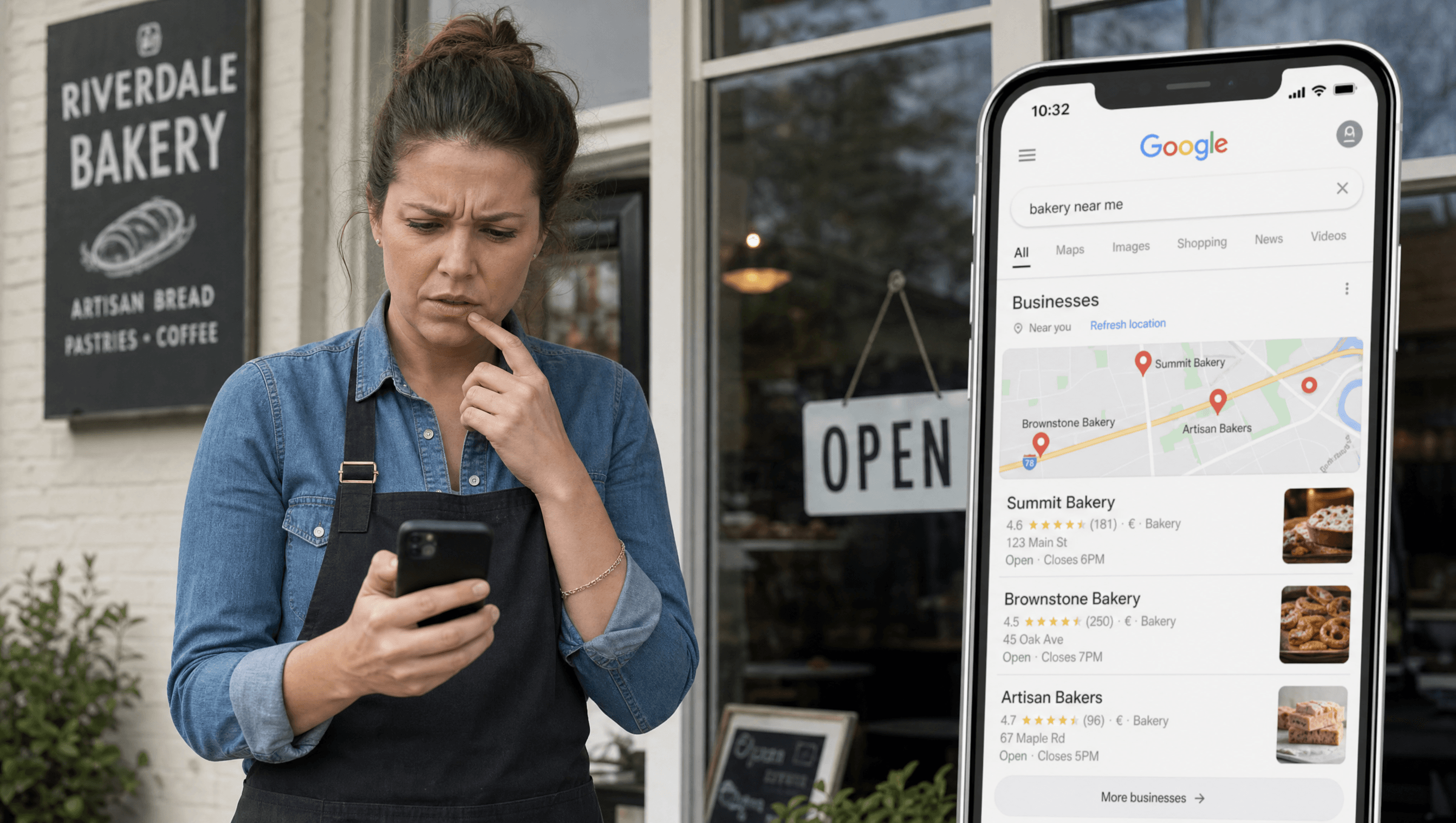
If your business doesn't appear in the top three results on Google Maps, the "local pack," you're invisible to the customers most likely to call you today. Here's why that happens and what you can do about each one.
How Google Decides Who Ranks in Local Search
Google uses three factors to rank local businesses:
- Relevance: Does your profile match what the user searched for? A plumbing company that lists itself under "Home Services" but doesn't mention specific services loses to competitors who use precise categories like "Emergency Plumber" or "Water Heater Installation."
- Distance: How close is your business to the searcher? You can't change your address, but you can expand your service area in GBP settings to cover the broader region you actually serve.
- Prominence: How well-known and trusted is your business online? This is built through reviews, responses, and consistent activity on your GBP profile. Most businesses fall short here.
The Five Most Common Ranking Problems
1. Your primary category is too broad
Google Business Profile allows you to select a primary category and multiple secondary categories. Most businesses pick a broad category ("Restaurant," "Auto Repair") and stop there. Competitors who use more specific subcategories ("Korean BBQ Restaurant," "Transmission Repair") capture queries that the broad category misses.
Fix: Go to your GBP dashboard, then Edit Profile, then Business category. Select the most specific primary category that accurately describes your core business. Add 2-4 relevant secondary categories.
2. You're not responding to reviews
Google interprets review responses as a signal of business activity. A profile with 40 reviews and 0 responses looks abandoned compared to a competitor with 20 reviews and 100% response rate. Response rate and response time both factor into how Google ranks your profile.
Fix: Respond to every review, positive and negative, within 24 hours. Even a brief response ("Thanks so much for visiting us!") outperforms no response.
3. Your profile is inactive
Google Posts are short updates that appear directly on your GBP listing. Businesses that post regularly signal to Google that they're active and worth surfacing. Businesses that haven't posted in three months look like they might be closed.
Fix: Publish at least one Google Post every two weeks. Posts can announce promotions, share hours changes, or highlight services. They expire after 7 days, so consistency matters more than perfection.
4. Your NAP data is inconsistent
NAP (Name, Address, Phone) consistency across the web is a foundational local SEO signal. If your business is listed as "Joe's Plumbing Co." on GBP, "Joe's Plumbing" on Yelp, and "Joseph's Plumbing Company" on your website, Google's confidence in your location data drops.
Fix: Audit your business listings on Yelp, Facebook, Yellow Pages, and any local directories. Make sure the business name, address, and phone number match your GBP listing exactly.
5. You have few reviews compared to competitors
Review count and average rating are visible ranking signals. If your top competitor has 87 reviews at 4.6 stars and you have 12 at 3.9, you're losing before the customer even clicks.
Fix: Build a systematic review request process. Ask customers at the moment of peak satisfaction: at checkout, right after a service, or in a follow-up message. Make it easy by sending a direct link to your GBP review page.
A Quick Ranking Check
Search for your primary service in Google Maps (e.g., "HVAC repair Murfreesboro TN") from a device that isn't near your business. If you don't appear in the top 10 results, you have a prominence problem, not a proximity problem. The fixes above address prominence directly.
If you want a detailed breakdown of exactly why your profile isn't ranking against your specific local competitors, request a free GBP audit from LumienHQ. We serve businesses in Smyrna, Murfreesboro, La Vergne, and the surrounding Rutherford County area.